


Product Videos
Turn product ideas into video concepts with a message made for your audience.
Plan a short ad clip or talking avatar, then create in Vidione. This guide does not generate images, scan websites, or score ad performance.
Vidione opens separately. It can generate short video clips or a talking avatar from a portrait, script, and voice; it does not receive a prompt from this guide.
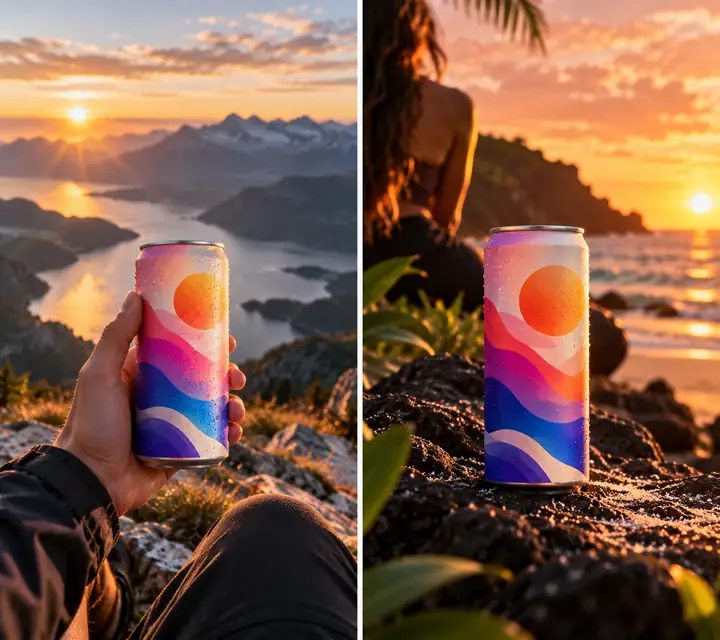
 Fresh drink
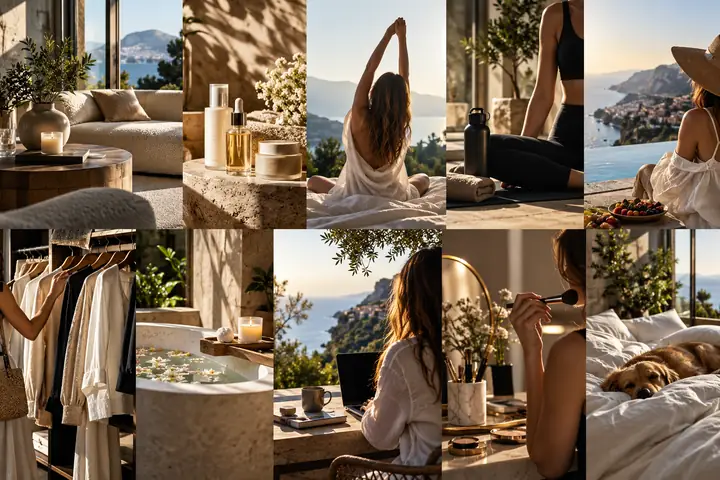
 Skincare launch
 Food video
 Fashion idea
Sign-in is required; AI generation needs a paid plan. Local manual editing uses your own files.
Editorial inspiration, not customer endorsements
Vidione does not scan websites. Select a short video idea or bring your own files to its editor after sign-in.
Open VidioneNo website scan, scoring, or competitor research is provided. Write your brief after opening Vidione; this page sends no inputs.
Use these illustrative examples to plan a message, style, and format. They are not a menu of Vidione features or generated results.
Turn product ideas into video concepts with a message made for your audience.
Explore conversion-minded ad concepts for the platforms where your customers spend time.
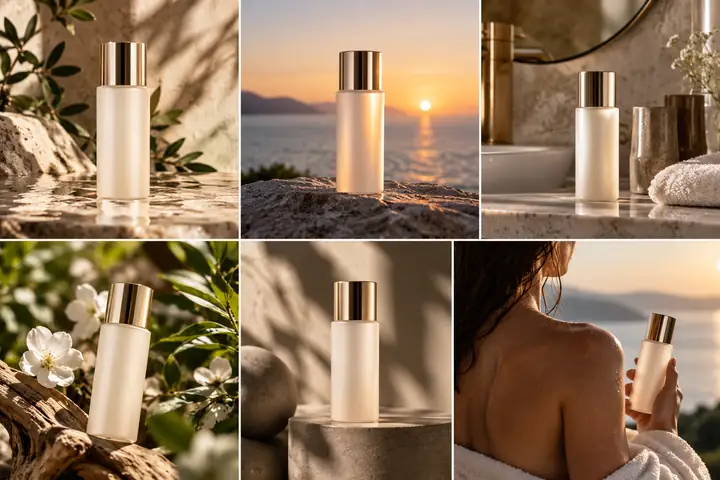
Imagine simple product photos as polished fashion and e-commerce imagery.
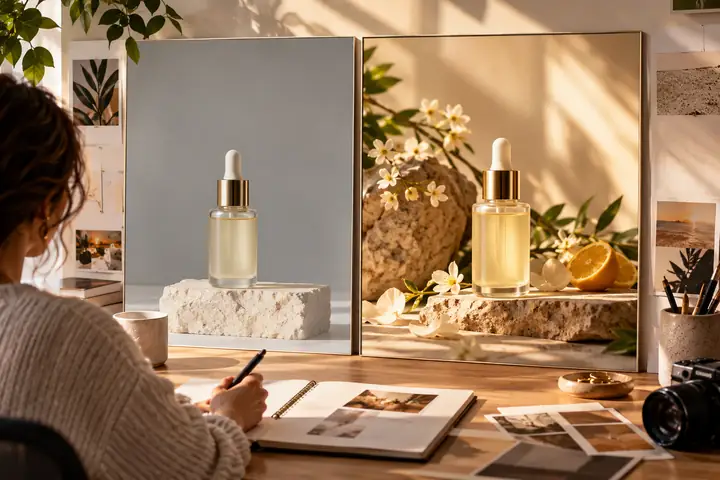
Choose images and footage you have rights to use, then sign in to the editor to arrange your own assets.
Check your claim, audience, offer, and readability yourself before launch. No AI scoring is offered here.
Compare public ad examples manually for creative inspiration. This page provides no competitor analytics.
Use a verified product message to plan a short video idea. Vidione provides short video generation and editing, not a high-performance prediction or static banner generator.

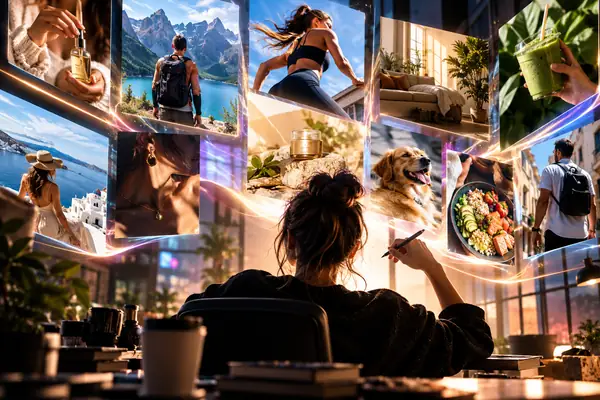
The still images below are editorial references, not product photos generated by Vidione. Prepare licensed source media yourself before editing a short video.
 Creative ideas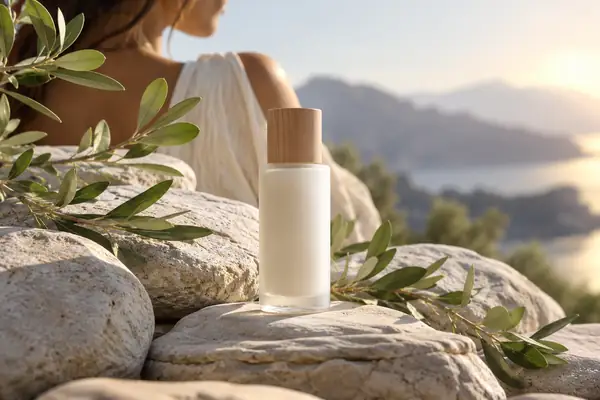



Bring a focused idea to Vidione for a short AI clip, or edit footage you already own. A product photo is not automatically converted into a finished ad here.
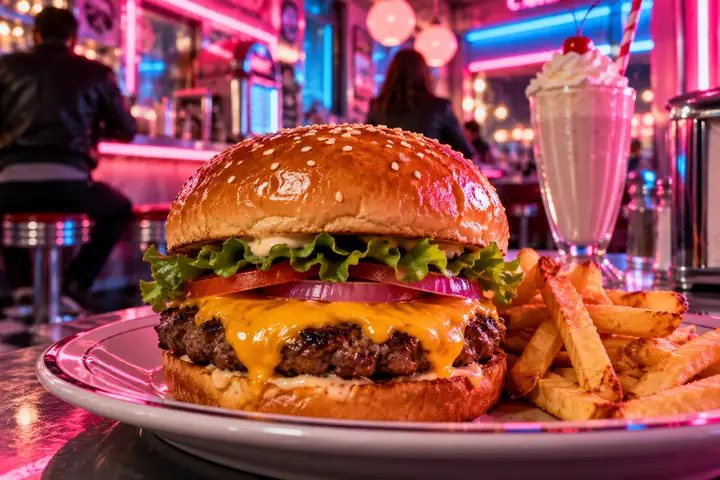
Prompt: “A fresh cheeseburger in a colorful neon-lit diner.”
This independent guide has no partner awards or endorsements to claim.
Lead with a verified benefit, then choose a visual treatment that keeps the product readable.
Plan an opening, a product moment, and a clear next step before recording or generating clips.
Use an authorized portrait and voice, write a concise script, and review the generated speech.


Questions answered. Find a useful starting point for your next creative brief.
Describe the product, the audience, the setting and the action you want someone to take. Even a short, specific prompt gives you a clearer direction to explore.
Use a product image as a planning reference. The link opens Vidione's general site without selecting a workflow or sending the image; after signing in, you can edit your own local media.
Try a few genuinely different approaches: one focused on the product, one on its benefit and one on the setting in which someone might use it.
Lighting, framing and context help a shopper understand the product quickly. The most useful setting supports the message rather than distracting from it.
Lead with the most relevant benefit or offer, use plain language and make sure the headline works alongside the image.
A central idea can carry across formats, but each placement has different space and viewing habits. Adapt the crop, pacing and amount of copy.
A shared brief can align a team on audience, message, visual references and campaign goals before anyone develops finished assets.
Yes. Revising the audience, product detail or scene is a practical way to explore a new direction. Check the partner site for its available editing controls.
The buttons on this page take you to our creation partner. This guide sends no prompt or website URL. Vidione does not scan a website, score ads, or analyze competitors; sign in, then choose a supported short-video or editing flow. AI generation requires a paid plan.
